Recommended way of studying this deck
- First read a selected vagga from the Dhammapada in the Pāḷi and in the analysis
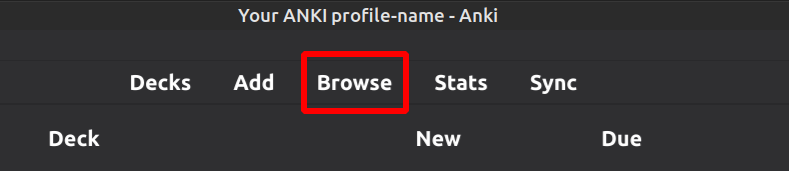
- In Anki go to Browse
- Select the deck DHP Vocab in the left panel
- Select all cards with Ctrl + A
- Right click and choose Toggle Suspend (Ctrl + J)
Now all cards are inactive for study.
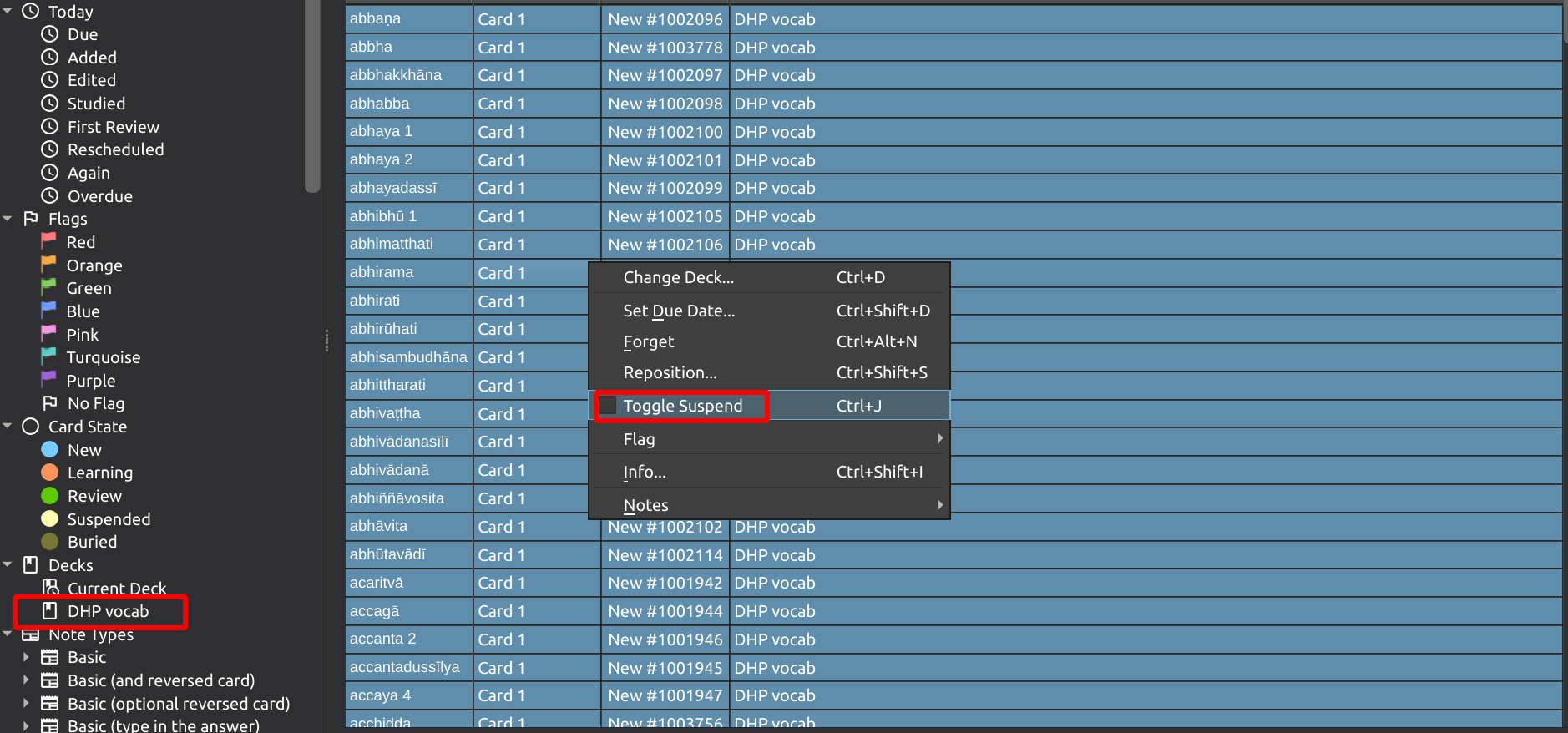
- Select the deck DHP Vocab in the left panel
- Select the vagga by searching for the name of the vagga (e.g. appamādavaggo) in this deck or just the number of the Dhammapada verse (e.g. 016)
- Select all cards with Ctrl + A
- Right click and choose Toggle Suspend (Ctrl + J)
Now all cards from the selected vagga will appear in your Anki daily routine. After you finish them, you may repeat the process with another vagga and so on.